The job management app built for field teams
Everything your engineers need to manage their day, jobs, forms, evidence, and payments, in one field service app.
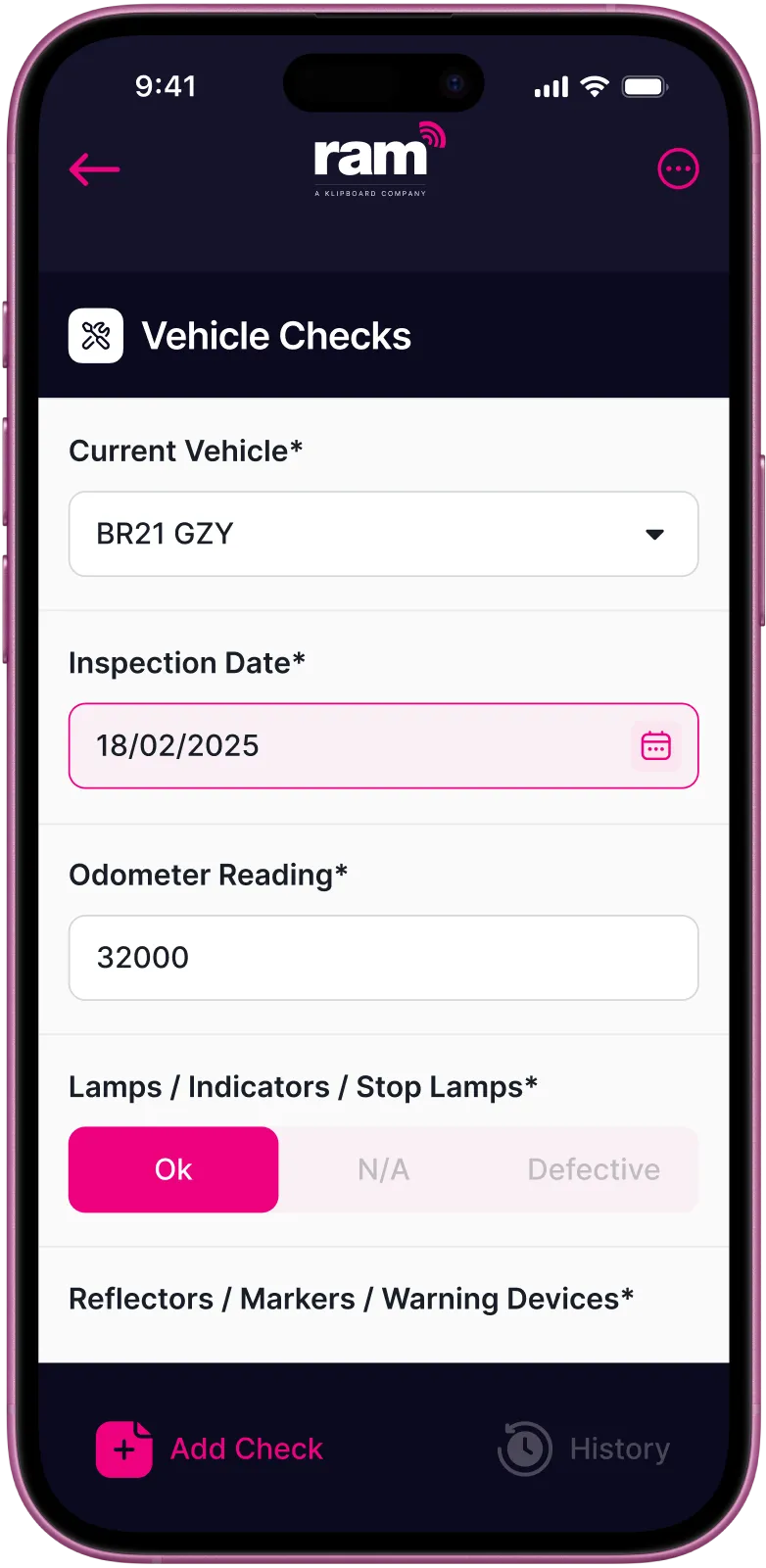
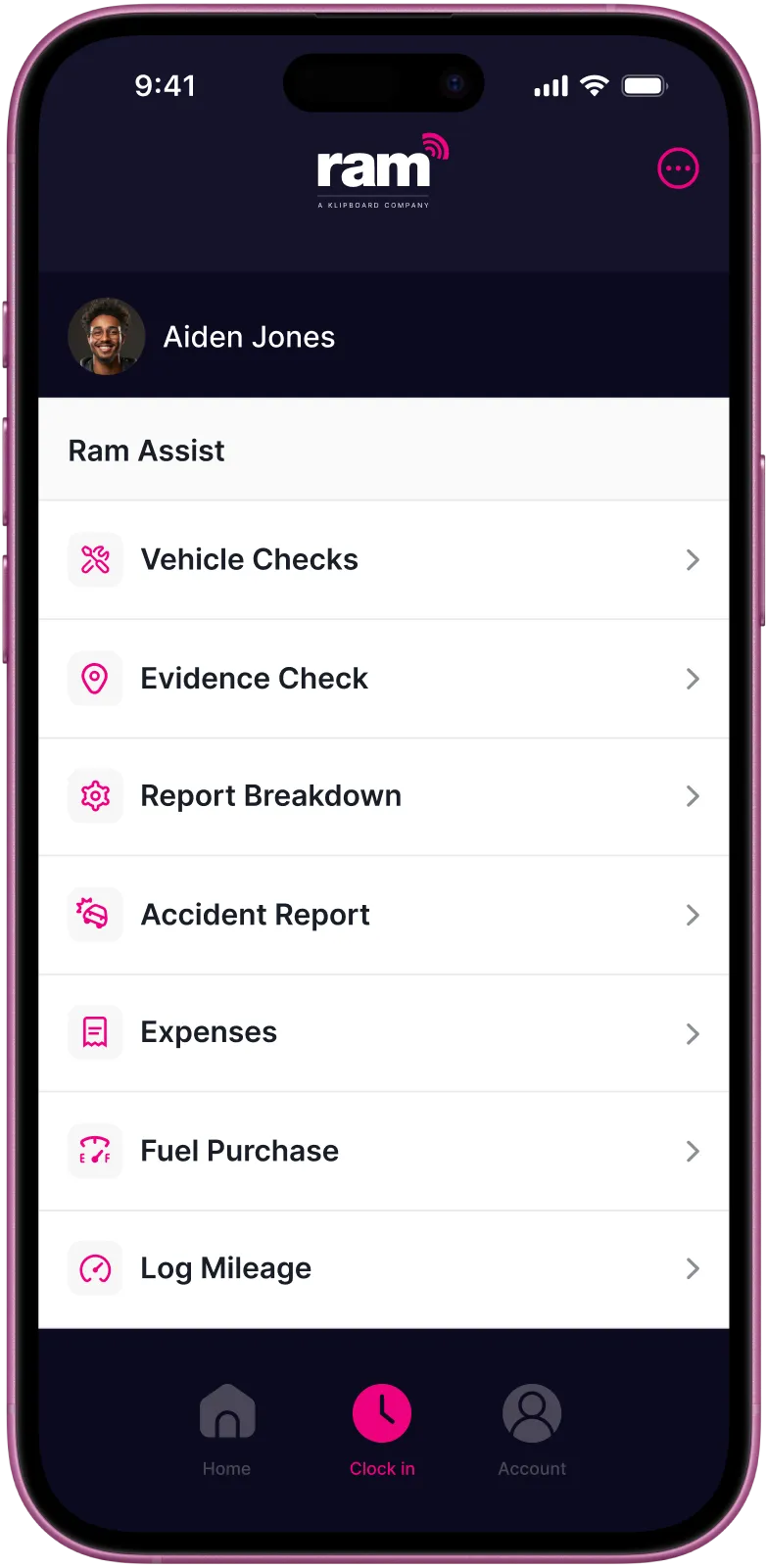

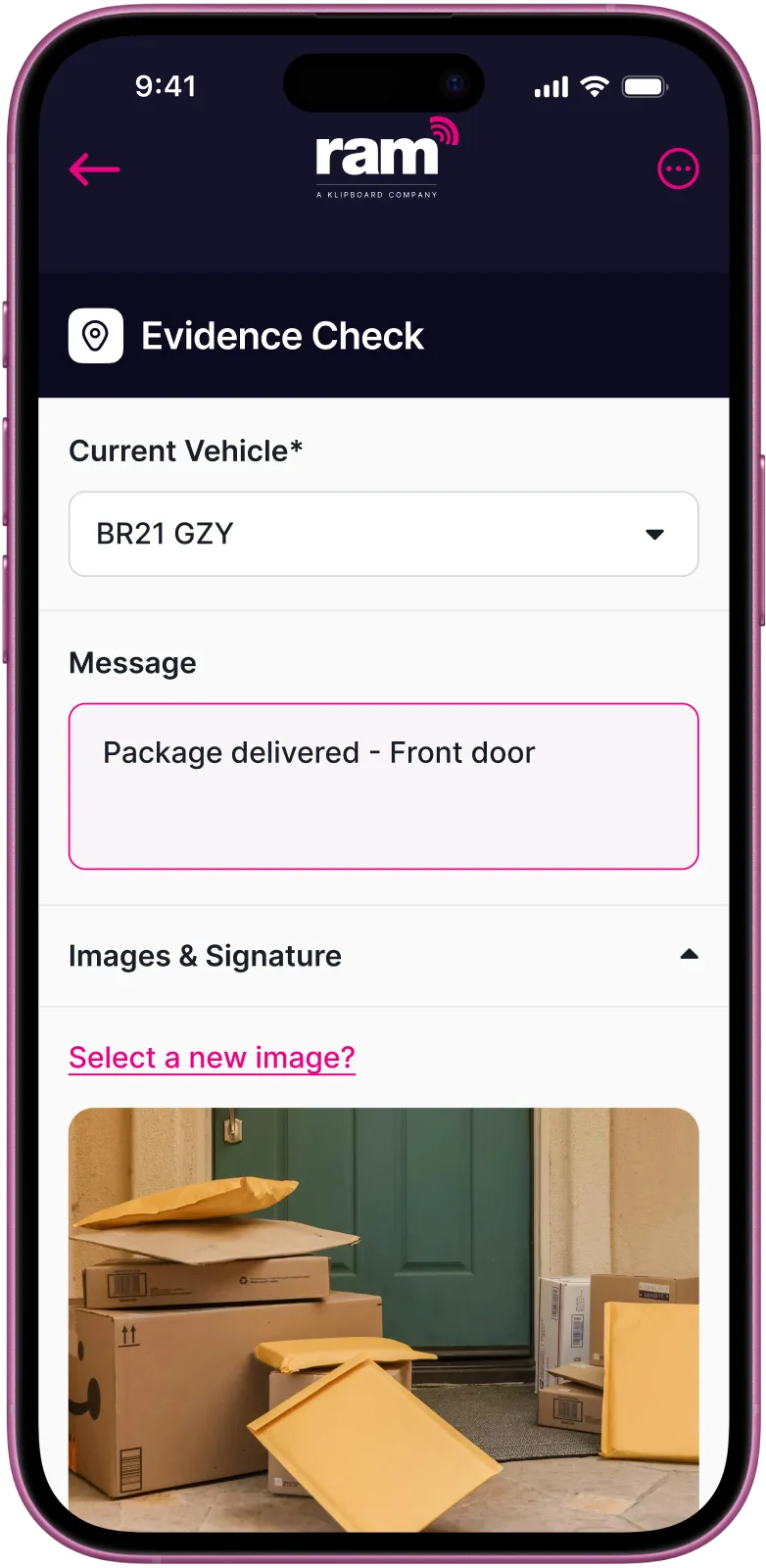
A mobile app that connects your field team to the office
No more paperwork
Managing a field team means keeping two groups in sync, the engineers on the ground and the managers back at base. When communication relies on phone calls, paper forms, and manual updates, things fall through the gaps.
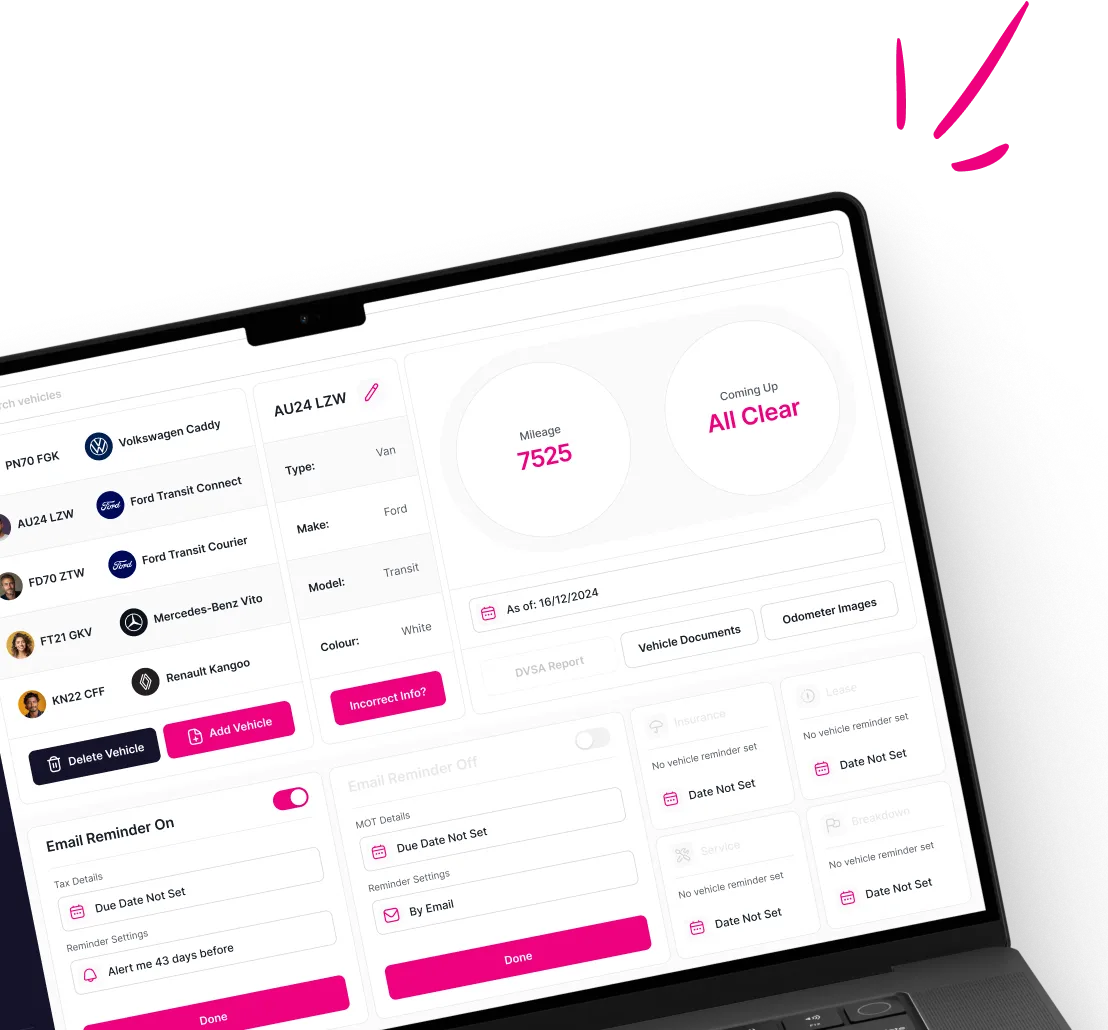
Real-time job visibility
The Klipboard job management app gives engineers everything they need on their phone and gives managers a live view of how the day is progressing.
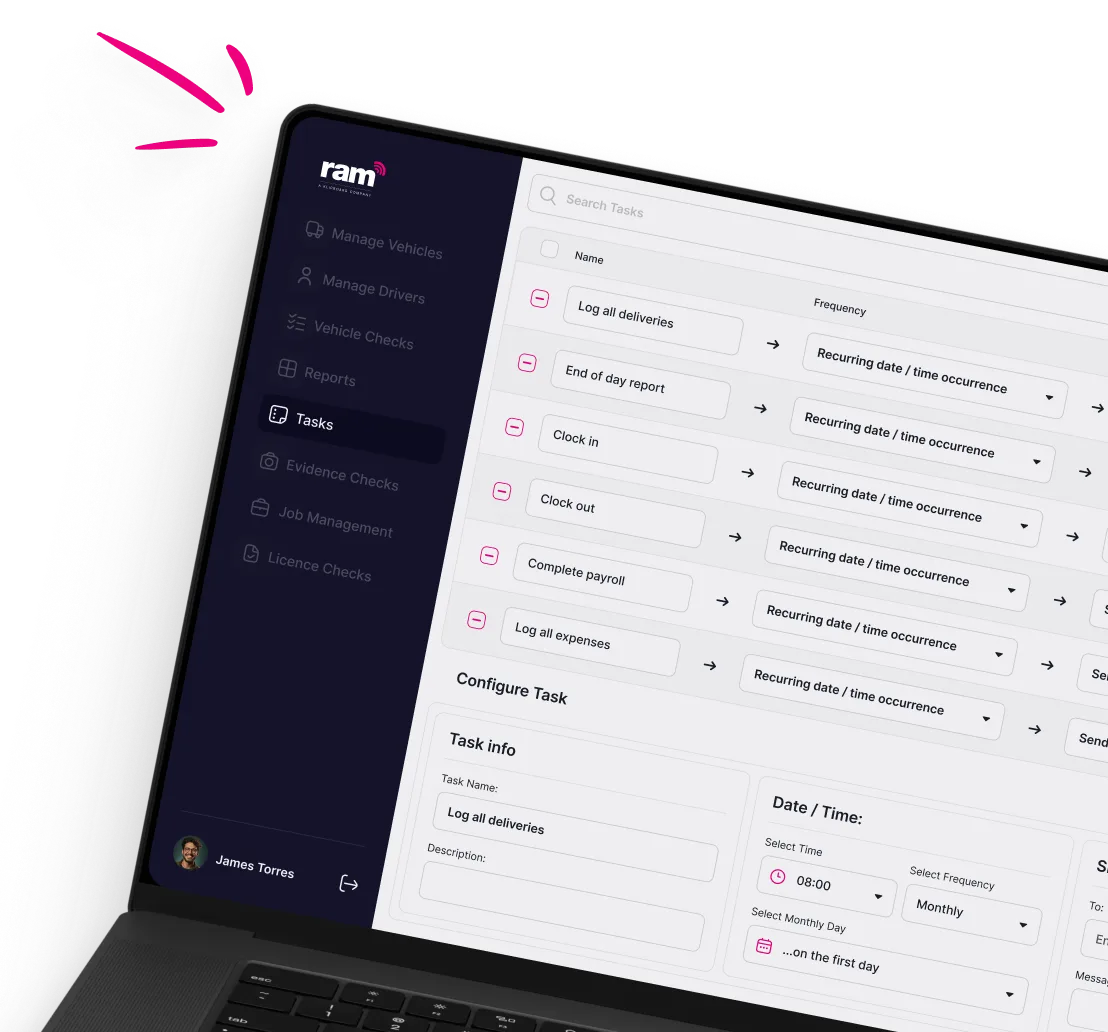
Jobs are received, completed, and signed off digitally, with the office updated in real time at every stage.
What the app does
Benefits of the mobile job management app
Improve customer experience
Accurate ETAs, a quick digital sign-off, and prompt invoicing give customers confidence in your services. It's a straightforward way to stand out from competitors still relying on paper.
Faster invoicing and payment
Jobs signed off digitally and settled on site mean records reach the office instantly and invoices go out sooner. Jobs can be paid off before the field worker has left.
No more missed updates
Schedule changes and new jobs reach your team instantly the moment something changes in the office. No calls needed, and there’s no risk of anyone working from outdated information.
Accurate Asset Records
Asset data is updated in the field as jobs are completed, so the register stays current without anyone chasing workers for updates.
Works even without signal
The app functions offline and syncs automatically when the field worker is back in range. This means there’s no disruption on sites with poor mobile coverage.
Less admin in the field
Digital forms, voice dictation, photo capture, and on-screen signatures replace paperwork entirely. Field workers spend less time on admin and more time on the work itself.
Up and running in four simple steps
Download and log In
Start the working day
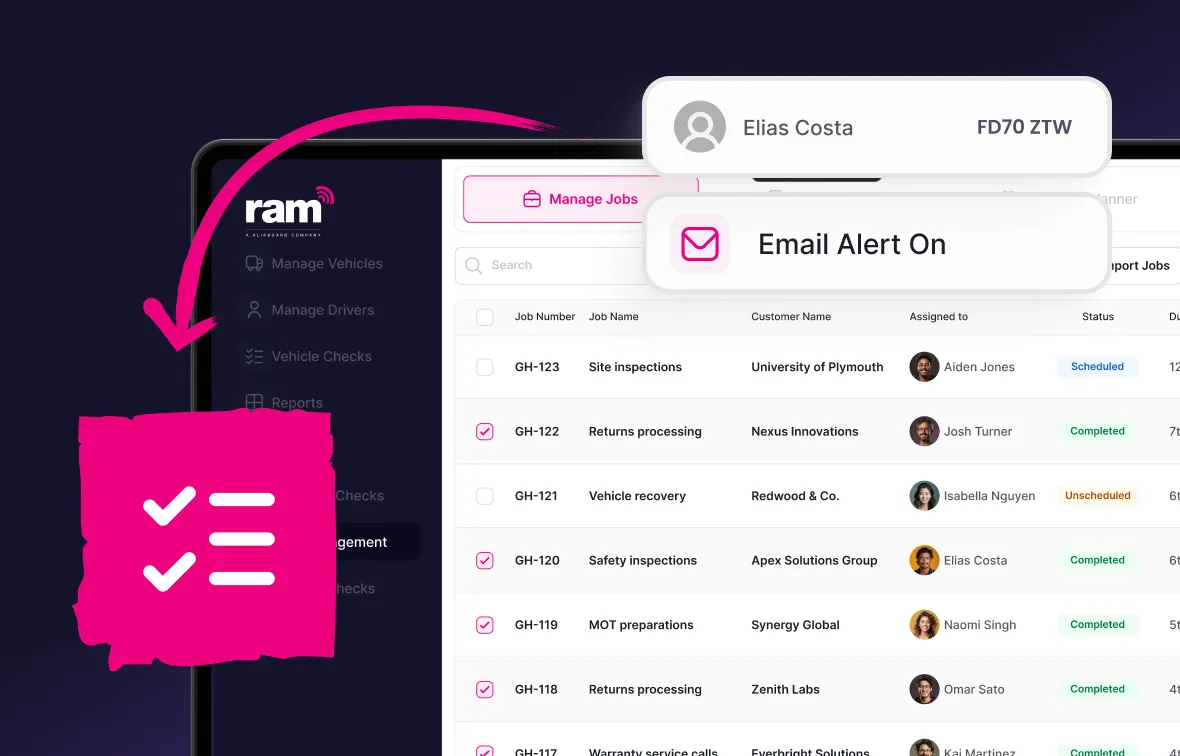
Complete the job
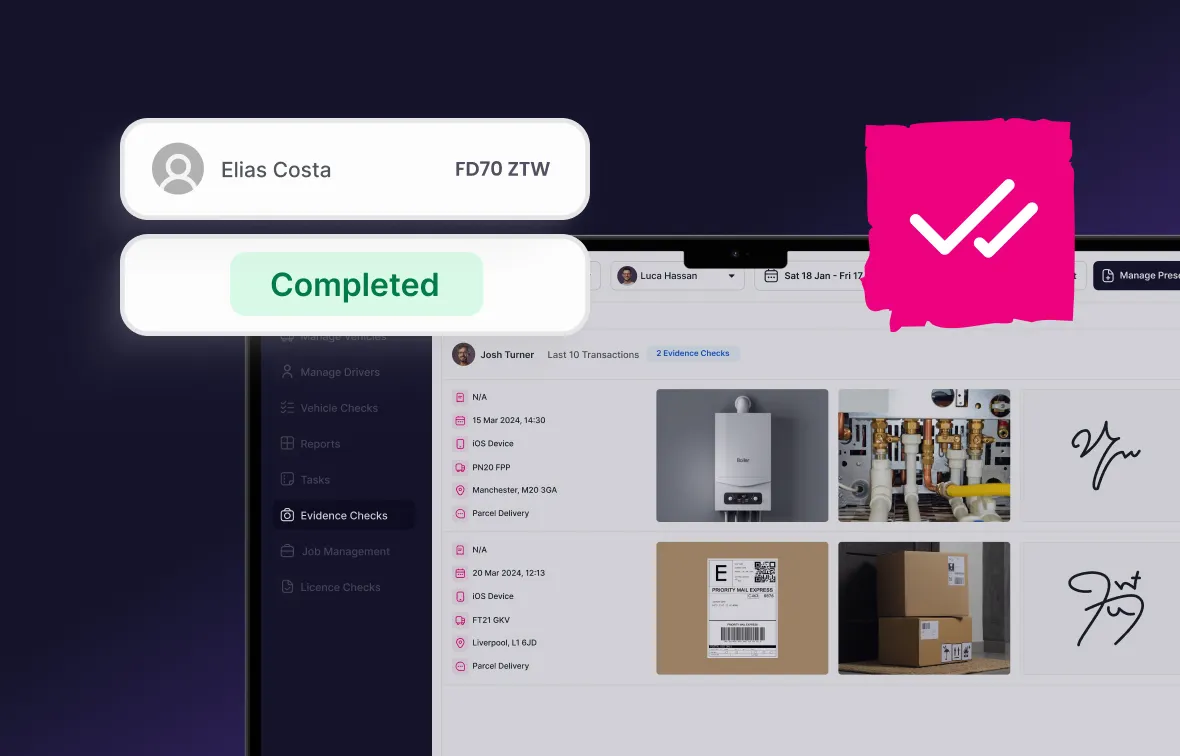
Office receives the record
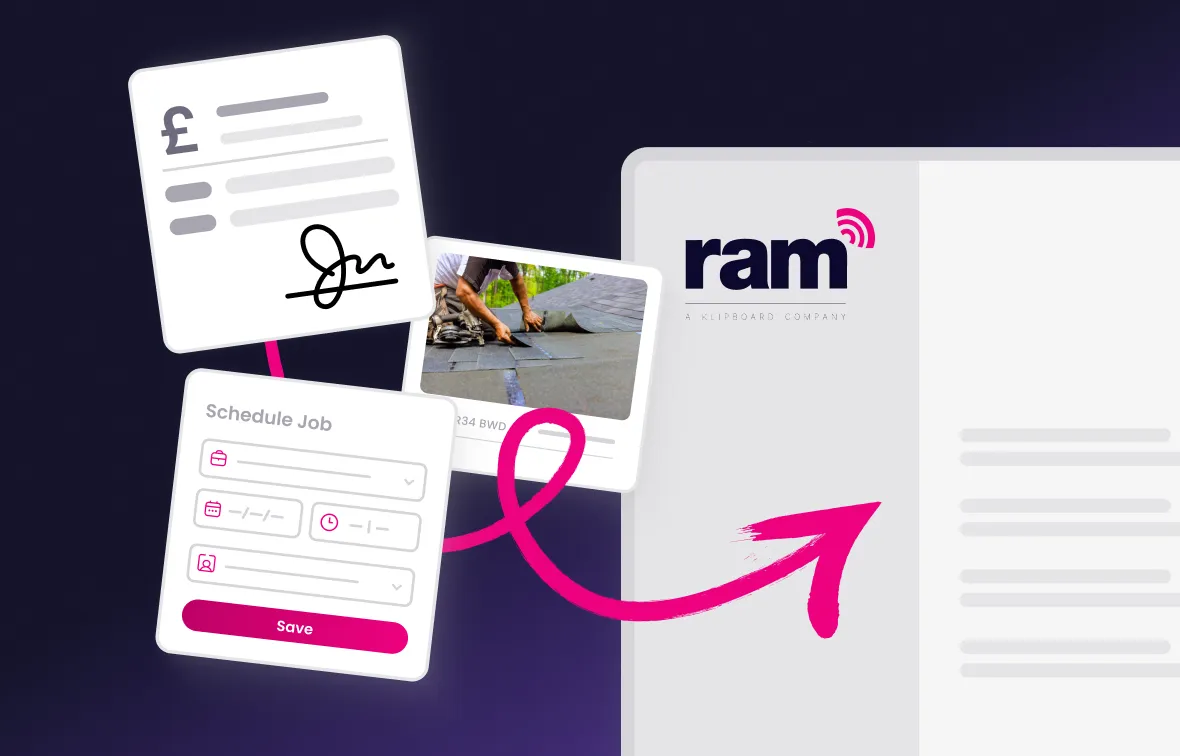
What our customers say




Frequently asked questions about our our job management app
A job management app lets field workers receive, manage, and complete jobs from their smartphone. Rather than relying on paper forms and phone calls, everything from job details and digital job sheets to signatures and payments is handled through the app, with records syncing to the office in real time.
Yes. The Klipboard job management app is available on both iOS and Android and works on any modern smartphone or tablet.
Yes. The app works offline and syncs automatically when the field worker is back in range. This means field workers can capture job details, photos, and signatures in areas with poor or no mobile signal without any disruption to their workflow.
Yes. Managers have a live view of job status, field worker location, and job progress through the web portal. As field workers update their jobs through the app, the office sees those changes straight away.
Yes. Field workers can take payment on site via Stripe, Apple Pay, or Google Pay. This means jobs can be invoiced and paid before the field worker leaves the customer's premises.
The app works for any business with a field team. It's used across a wide range of industries including construction, electrical contracting, plumbing, HVAC, engineering, and facilities management.
If your team works in the field, the app can be configured to suit your workflows and job types.
Give your field team the app they need
Join 23,000+ businesses already using RAM to manage their field teams more efficiently. Get started today.